
Every angle.
Every word.
Your cut.
A private creative post-production app
for filmmakers, creators and storytellers.
From source
to final cut.
Bring your footage, repair your dialogue, shape your captions and deliver editable assets. Built for real creative work, on your own machine.
Explore the tools30 focused tools. One workroom.
Pick a category to see what it does.AudioFind the voice.
Keep the story.+
Audio Repair, Dialogue Mixer, noise and room reduction, microphone alignment, speech cleanup, loudness delivery and leveling.
Compare actual source and processed audio before saving.PictureSteady, restore
and refine.+
Motion tracking, image restoration, scale and frame-rate conversion, flicker reduction and stabilization.
Each tool writes a new output and preserves its source.ColorBalance your shots.
Shape their finish.+
Color Balance, reference Color Match and Film Finish.
Review texture, color and motion on the resulting footage.MulticamEvery angle.
One timeline.+
Audio-based Multicamera Sync, Camera Director and recorded Timecode Assembly.
Inspect weak matches and speaker-driven cuts before delivery.Edit & finishWords, markers
and delivery.+
Titles, Styled Captions, Silence Cut, Beat Markers and reusable Workflows.
Deliver XML, captions and reports; processors expose their actual output formats.OrganizeYour sources.
Ready for work.+
Turn your sources into a working project. Ingest, prepare and find the media you need.
- Verified IngestCopy sources and compare hashes with a recorded result.
- Proxy PreparationCreate lighter files for your editing workflow.
- Media CatalogBrowse and search indexed local media.
- TranscriptionMake speech searchable with timed local transcription.
- Project MediaInspect the sources used by your current project.
- Media QCCheck source properties before delivery.
A clear path from
footage to finished.
Move from a shoot folder to a delivered story,
without losing your creative flow.
- 1
Import
Bring in your shoot folder. Review the sources and select the audio used for matching.
- 2
Sync
Align cameras and recorders from their audio, with measured progress and recorded results.
- 3
Review
Review processed outputs and their receipts. Inspect timing and anything that needs attention before delivery.
- 4
Deliver
Export an editable sequence, caption files and measured reports. Keep your original media.
Montage Pro 0.6.1 G3 · Edited walkthrough from genuine screenshots of installed browser interactions, using authored test media. Desktop and phone viewports; not continuous screen recording.
It learns your
way of working.
Tell Montage Pro how you like to work. Add reference notes and examples, save preferred settings, and approve the results you want to use again.
Every creator can start their own local profile. Saved preferences and approved results guide suggestions. These inputs stay local and do not retrain the bundled models.
Get Montage Pro
for Windows.
A private editing workroom on your own machine.
Built from source. Installed on this PC.
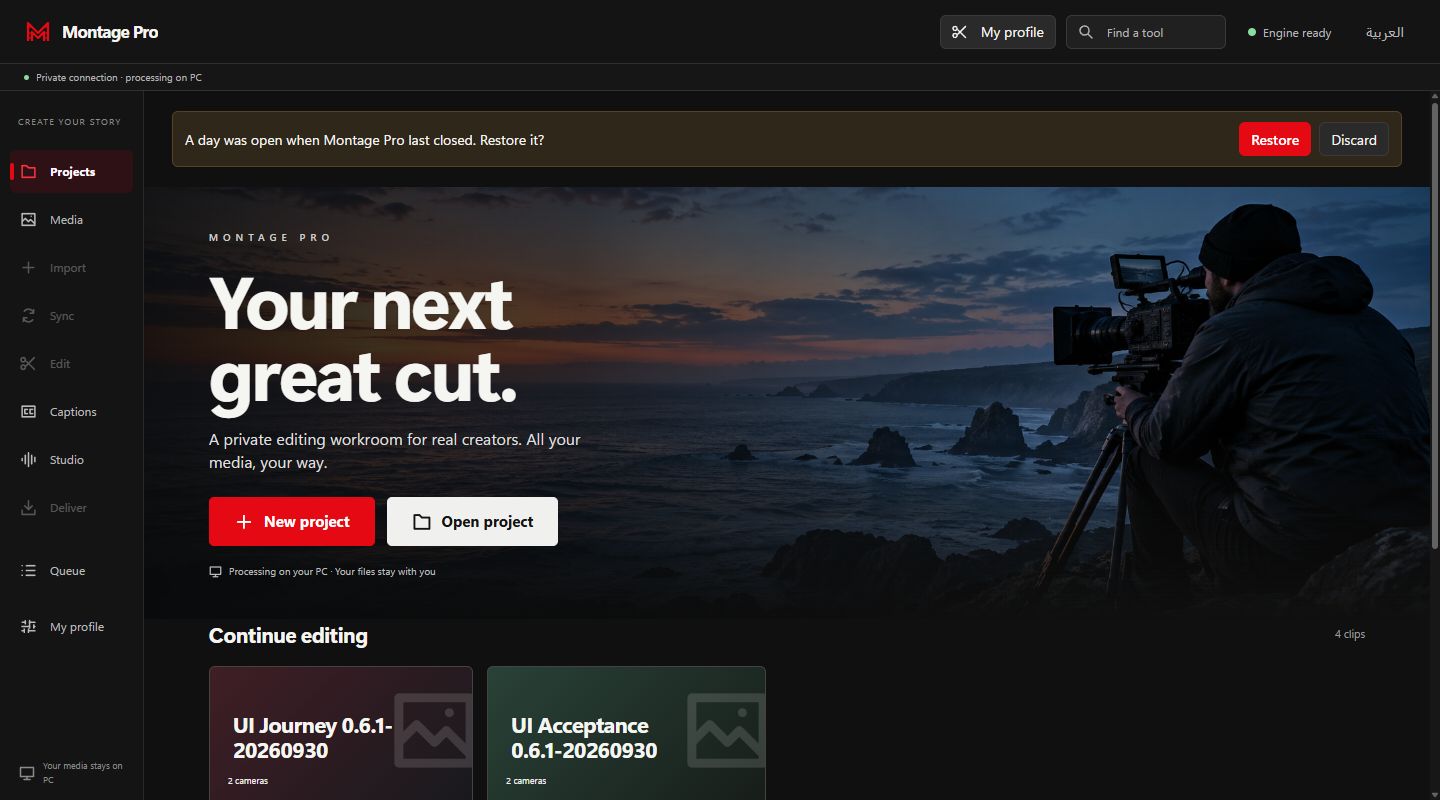
Your studio,
wherever you review.
The workroom adapts to a phone-sized browser. With a configured private PC gateway, you can choose tools, review queued results and keep your profile close. Processing stays on the connected PC.
Browser companion · Private gateway verified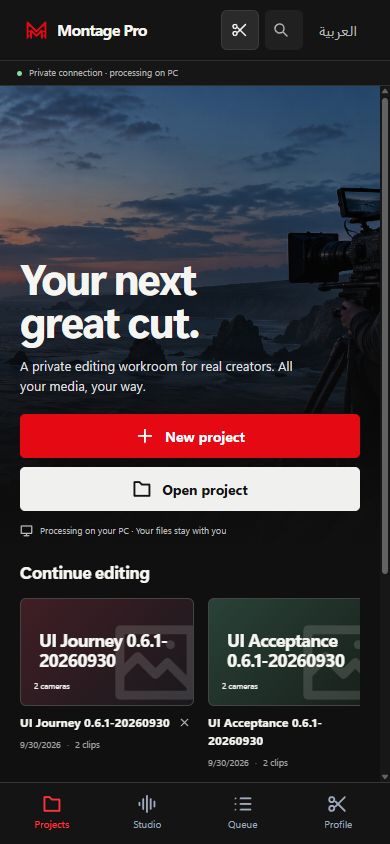
- Private PC connectionRequires a running gateway and an authorized connection.
- Review your latest outputPreview source and processed media from the queue.
- Comfortable touch controlsThe workspace stacks for a smaller screen.
Before your
next great cut.
What to expect when you start.
Does my media stay on my computer?
Montage Pro's native processing runs on your PC. Your source files are kept separate from new outputs. The phone browser connects to the PC gateway; it does not move processing to a cloud service.
How do personal profiles work?
Create a profile for each creator, add reference notes or inputs, and save or approve useful settings. The app recommends settings from that profile's evidence. This is a preference calibration workflow, not a promise that every tool trains a new AI model. Local profiles organize preferences; they are not separate security accounts.
Can I use my existing editing software?
Montage Pro exports editable FCP7 XML sequences for an NLE workflow, plus SRT/WebVTT captions and reports. Import compatibility depends on your editor and footage. Inspect the imported sequence before delivery.
Are the named third-party tools included?
The app provides its own native processors. Benchmark names describe the requested reference, not a bundled product or feature-parity claim. Optional installed plugins, models and commercial processors keep their own dependencies and licenses.
How do I use it on my phone?
Phone access requires a running PC gateway and an authorized private connection. Keep your PC awake and open its gateway address in your phone's browser. Private HTTPS access has been verified for the approved PC folders. These recordings show the actual responsive browser interface; physical-device acceptance is still pending. No app-store install is needed.
Where do I get the current Windows version?
The verified Windows 0.6.1 G3 installer is published in a private GitHub pre-release. Sign in with an authorized account, then use Download for Windows.